An alternative to iLab and PPMS for your core facility
If you are comparing core facility management platforms, here is what JoulesCloud covers and what to check before you choose any of them: scheduling, training, maintenance, consumables and billing, as a managed service in the EU or on your own servers.
What to check when comparing platforms
A neutral checklist you can apply to any vendor, with how JoulesCloud answers each point.
| Question | JoulesCloud |
|---|---|
| Scheduling rules | Weekly and daily calendar per instrument, working hours per instrument and per competency level, non-working days, automatic preparation buffers and minimum booking rules. |
| Training and access | Novice, Independent and Advanced levels per instrument, earned through approved supervised sessions, plus access requests with an approval inbox and bulk permissions. |
| Maintenance and incidents | Status flow (operational, maintenance, out of service), maintenance log with cost and hours, and incidents with severity and assignment. |
| Consumables | Stock, lot and expiry, automatic deduction on booking, and low-stock and expiry alerts. |
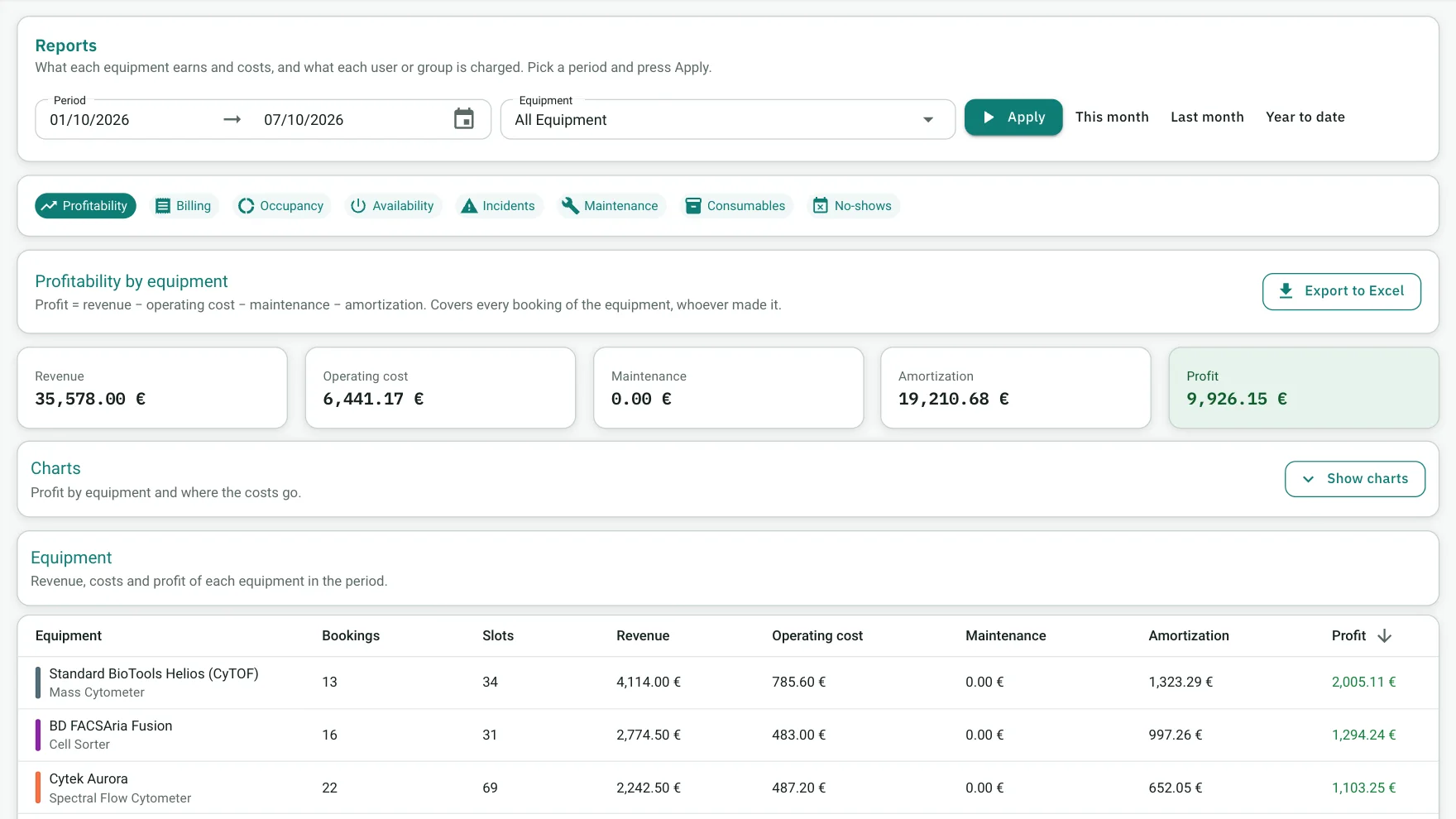
| Billing and profitability | Usage-based billing and profitability reports per instrument, with price and cost history. |
| Deployment and data | Managed subscription on EU infrastructure or on-premise licence. Data exportable in standard formats. |
| Integrations | SSO, billing or ERP, calendars, email and data tools; anything else is defined during onboarding. |
| Migration | Import of instruments, users and existing bookings from an export or a spreadsheet is part of onboarding. |
The real interface
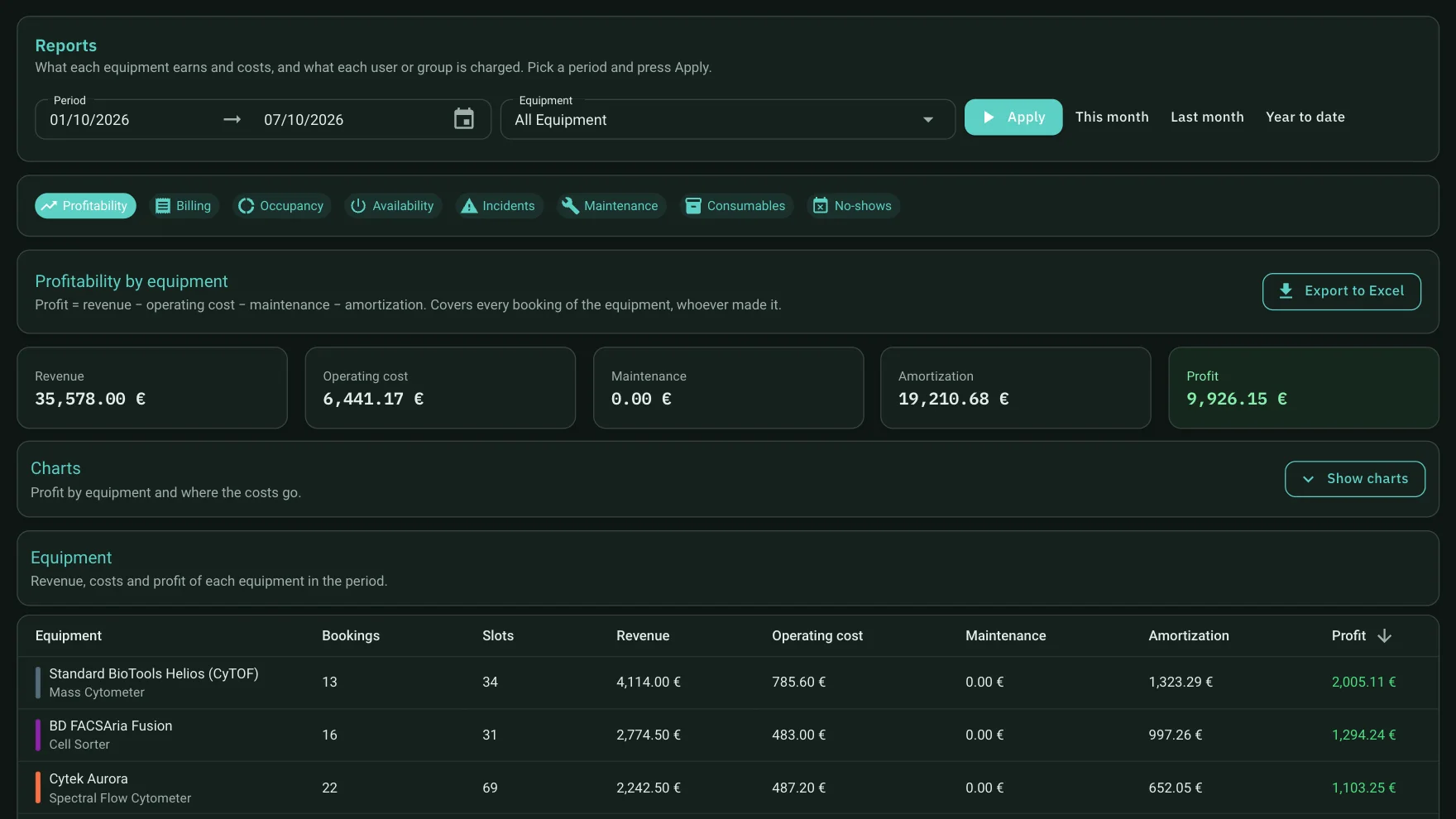
These are screenshots of a running instance, not mock-ups.


Know what each instrument costs and earns
Usage-based billing and profitability reports are included, so rates and utilisation can be reviewed with real numbers.
Who it fits
Facility managers
See real usage, apply your access policy once and keep a record you can hand to a reviewer or an accreditation body.
Technicians
Approve training sessions, triage incidents and keep stock under control from a single inbox.
Researchers
Book any instrument they are cleared for, within the hours of their level, and see their progress.
iLab and PPMS are trademarks of their respective owners. JoulesCloud is not affiliated with or endorsed by them. Product names are used only to describe what this page compares against.
Frequently asked questions
Can we migrate from PPMS, iLab or a spreadsheet?
Yes. Onboarding includes importing your instruments, instrument types, users and existing bookings from an export or a spreadsheet.
Can it run on our own servers?
Yes. You can choose a managed subscription on EU infrastructure or an on-premise licence installed on your institute's servers. The application is identical; only where it runs changes.
Does it support SSO and billing integrations?
Yes. It connects to your identity provider (SSO), your billing system or ERP, calendars, email and your data tools. Integrations are defined with you during onboarding.
What if we need something that isn't there?
Tell us the case. Many needs are solved with configuration or a custom integration, and we will tell you how we would solve it.
Can we try it first?
Request a demo and we will walk through the real application with a case close to your facility.
Want to see it with your instruments?
Tell us how many instruments you run and how you manage bookings today. In the demo we show the real application with a case close to yours.