Billing and profitability software for core facilities
Charging for the use of a shared instrument means knowing how much it was used, at what price and what it costs to keep running. JoulesCloud starts from the real use of every booking and turns it into usage-based billing and profitability reports per instrument.
From real use to the numbers
Billing is not a separate module: it is fed by what already happens in the facility.
- Booking and useEvery booking and check-in records how much the instrument was used.
- Prices per instrumentEach instrument's record has its own pricing and cost tabs, with history.
- Real costsLogged maintenance, with cost and hours, and consumables with their unit cost feed the numbers.
- ReportRevenue, costs and profit per instrument and per period, in one report.
- To your systemEach user's or group's charges flow to your billing or ERP without retyping anything.
The profitability report per instrument
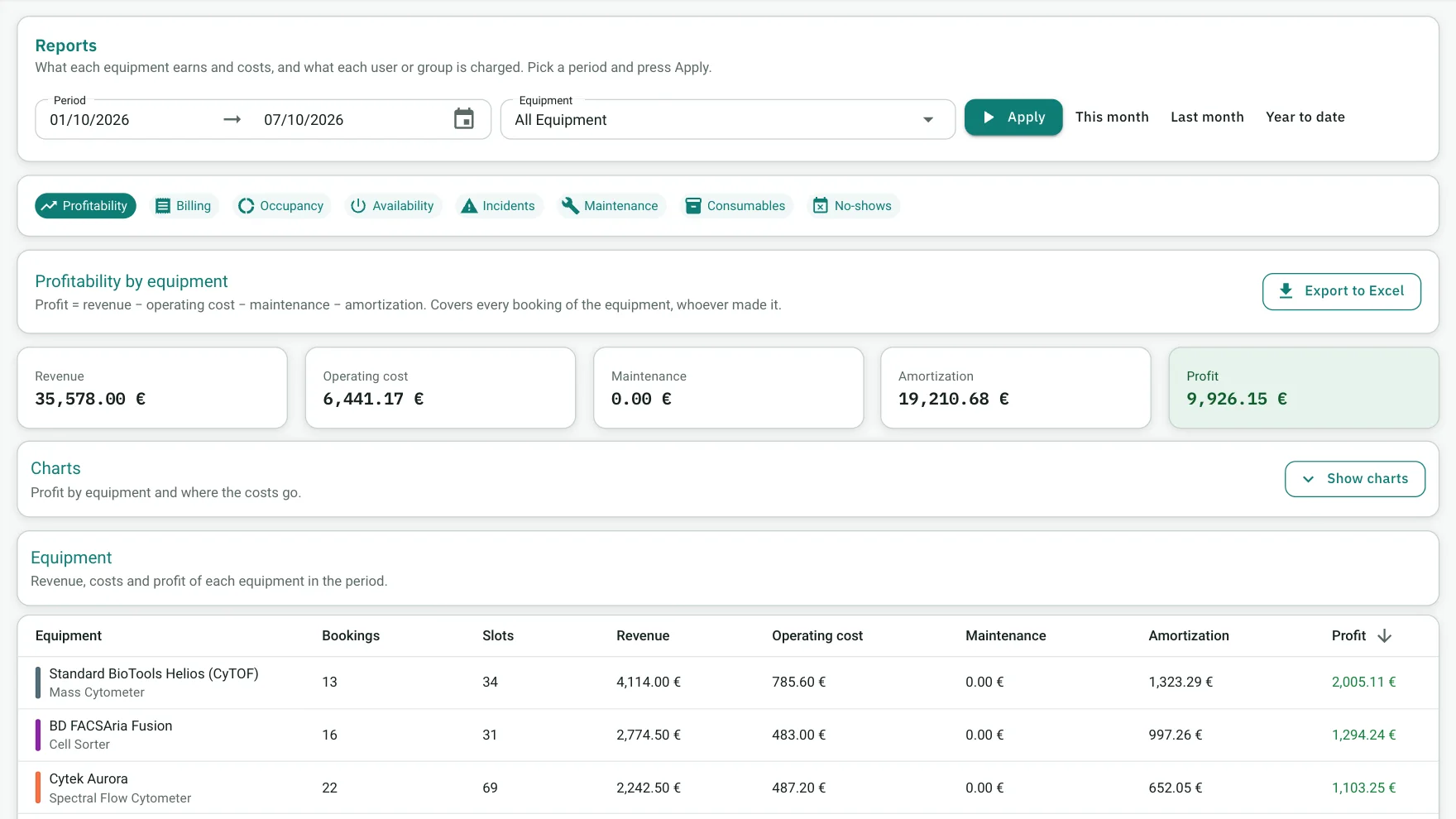
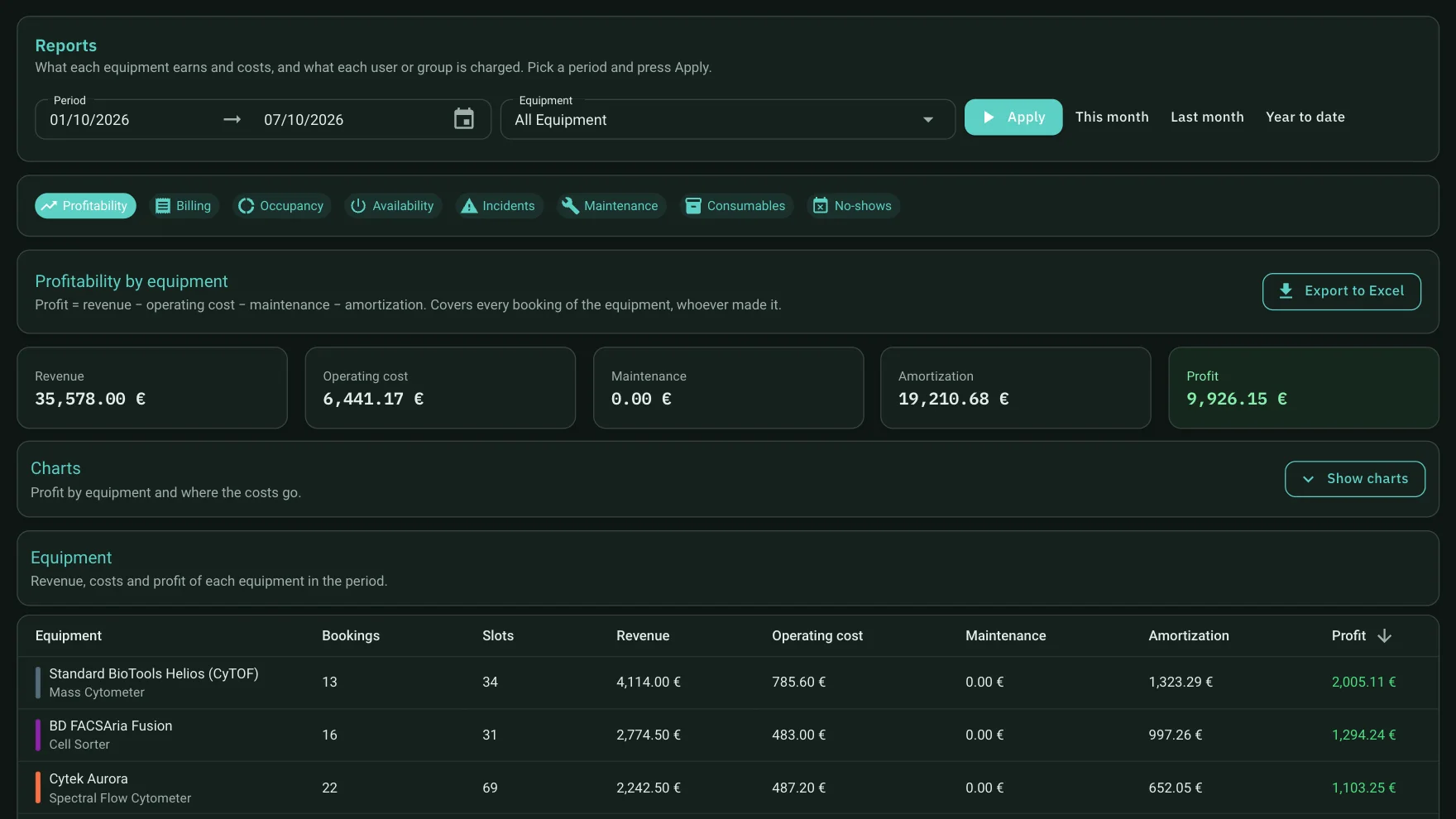
Revenue, operating cost, maintenance, amortization and profit for the period, with each instrument's table and tabs for billing, occupancy and more.
What it helps you decide
Review rates
Check every period whether an instrument's price covers what it costs to keep running.
Spot under-performing instruments
Compare revenue and costs across all instruments and see where to act, for example by improving utilisation.
Justify to third parties
A price and cost history per instrument, ready for management, a reviewer or an accreditation body.
How do you calculate the starting rate? We explain it step by step in the guide how to calculate the hourly rate of a lab instrument.
Frequently asked questions
What does billing include?
It includes usage-based billing and billing and profitability reports per instrument, with price and cost history.
Does it connect to our ERP or billing system?
Yes. Each user's or group's usage and charges can flow to your billing system or ERP through an integration that is defined with you during onboarding.
Can I see how much each instrument earns?
Yes. The profitability report shows, per instrument, revenue, operating cost, maintenance, amortization and profit for the period, with tabs for billing, occupancy and more.
How do I set an hourly rate?
There is a step-by-step guide on the blog, with a worked example. It is an indicative method: the exact rules depend on your institution.
Want to see it with your instruments?
Tell us how many instruments you run and how you manage bookings today. In the demo we show the real application with a case close to yours.